Mechanical Push-Button Code
Zero batteries, zero Wi-Fi dependency. You place a four-digit code in your saved carrier instructions. Simple to reset with a screwdriver whenever you wish.
When evaluating smart access systems—whether mounted on a standalone parcel chest, a side gate or an enclosed storm porch—always walk through the handover from the courier's perspective. If your system requires the driver to ring a video doorbell, wait twenty-five seconds for your phone to connect over mobile data while you are in a meeting, and then wait for a remote latch release, many drivers will already have stepped back to write a missed-delivery card.
Systems that succeed in real domestic use operate asynchronously: the courier acts immediately using a pre-shared delivery note code, an algorithmic one-time PIN, or a built-in optical barcode reader, and your phone receives a quiet confirmation alert afterward.
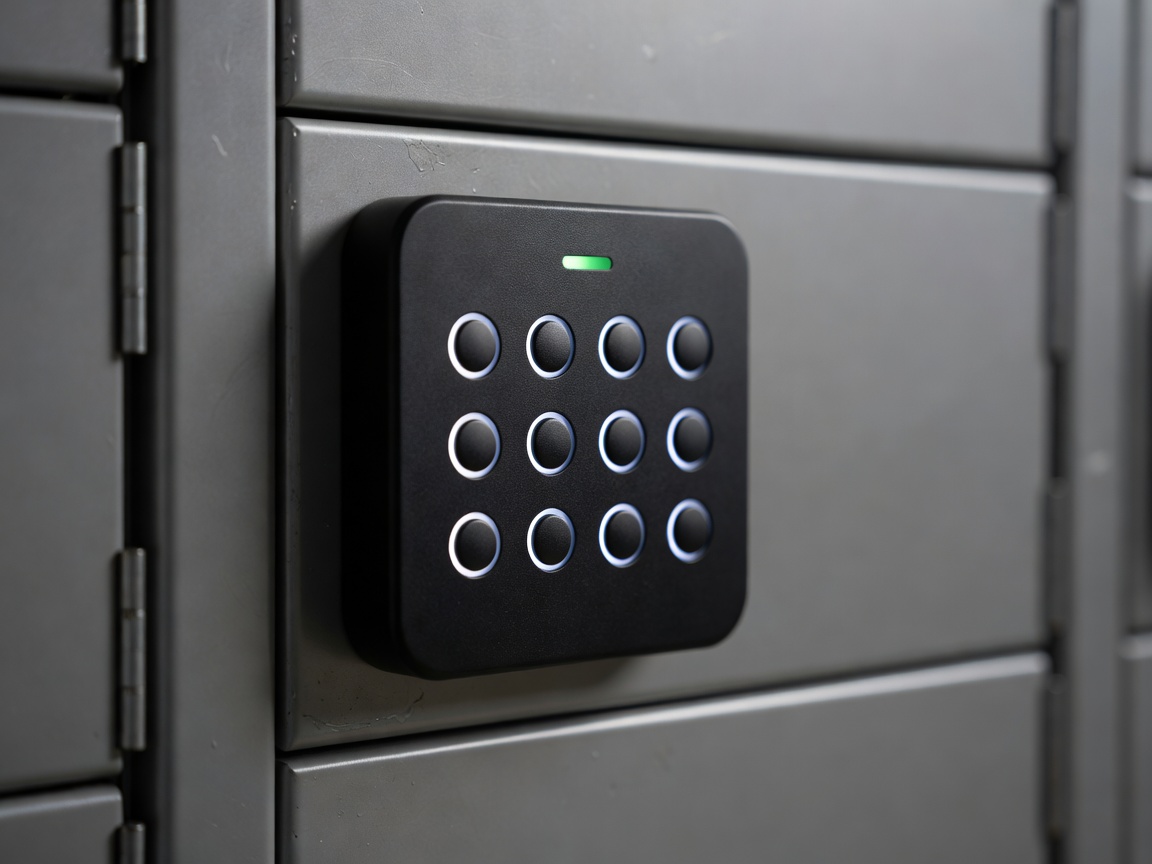
Zero batteries, zero Wi-Fi dependency. You place a four-digit code in your saved carrier instructions. Simple to reset with a screwdriver whenever you wish.
Generates time-bound or single-use PIN codes via an app using synchronized clock math—no Wi-Fi signal needed at the front gate.
Driver holds the parcel shipping barcode under an optical reader; either any standard carrier barcode or pre-logged tracking numbers trigger the latch.
Lets you unlock the box live from anywhere and sends instant tilt/open alerts, but depends on strong 2.4 GHz Wi-Fi reaching through exterior masonry.
Before installing an electronic lock on a parcel box or outer porch door, trace every step of the opening sequence—including what happens when batteries dip in sub-zero weather:
Your permanent carrier profile ("Parcel box beside green door: code 4291#") travels on the driver's handheld manifest. Avoid changing codes mid-transit on a single-carrier app if multiple couriers deliver to you.
The driver wakes the keypad or pushes the mechanical buttons. Physical silicone or metal keys with tactile clicks outperform flat capacitive touchscreens when a driver is wearing winter gloves or standing in rain.
Spring-loaded deadlatches automatically lock the moment the door is pushed shut. Avoid motorised deadbolts that require the courier to press a second button to re-engage the bolt.
Alkaline batteries lose voltage rapidly below 0°C. Always choose an electronic lock that supports Lithium AA cells and provides both a concealed mechanical key cylinder and external USB-C emergency jump terminals.
| Lock Type | Power Source | Works Without Wi-Fi | Multi-Courier Friendly | Emergency Override |
|---|---|---|---|---|
| Mechanical Cam/Push Lock | None (100% mechanical) | Yes | Yes (shared PIN) | Physical master key |
| Offline OTP Digital Pad | 4 × AA Lithium (18 mos) | Yes | Yes (static + 1-time PINs) | Key + 9V / USB-C contact |
| Wi-Fi Smart Box Latch | Rechargeable Li-ion pack | Only via backup PIN | Requires app or PIN note | Mechanical key under cap |
Your privacy choices
We use necessary cookies to run the site and, with your consent, optional ones to measure visits. You can change this at any time. Read more